K-EMU: Retro games
Play your own NES games on your phone or tablet with touch or a gamepad.
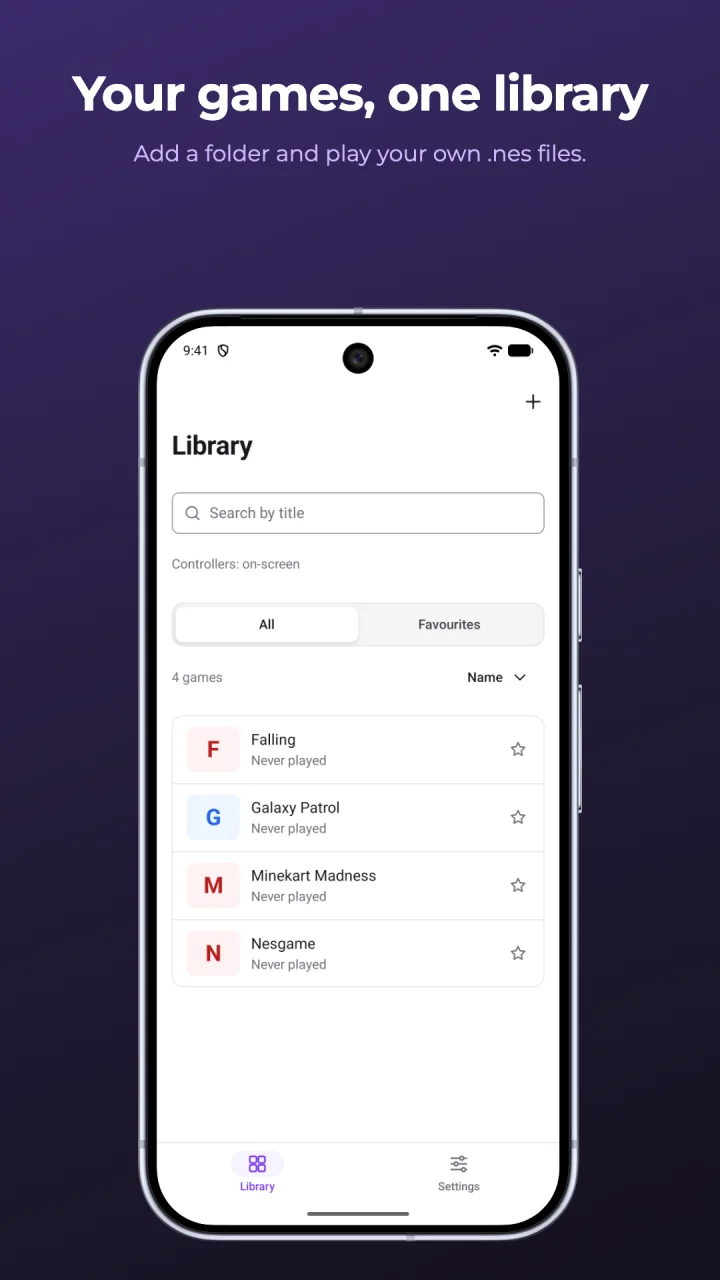
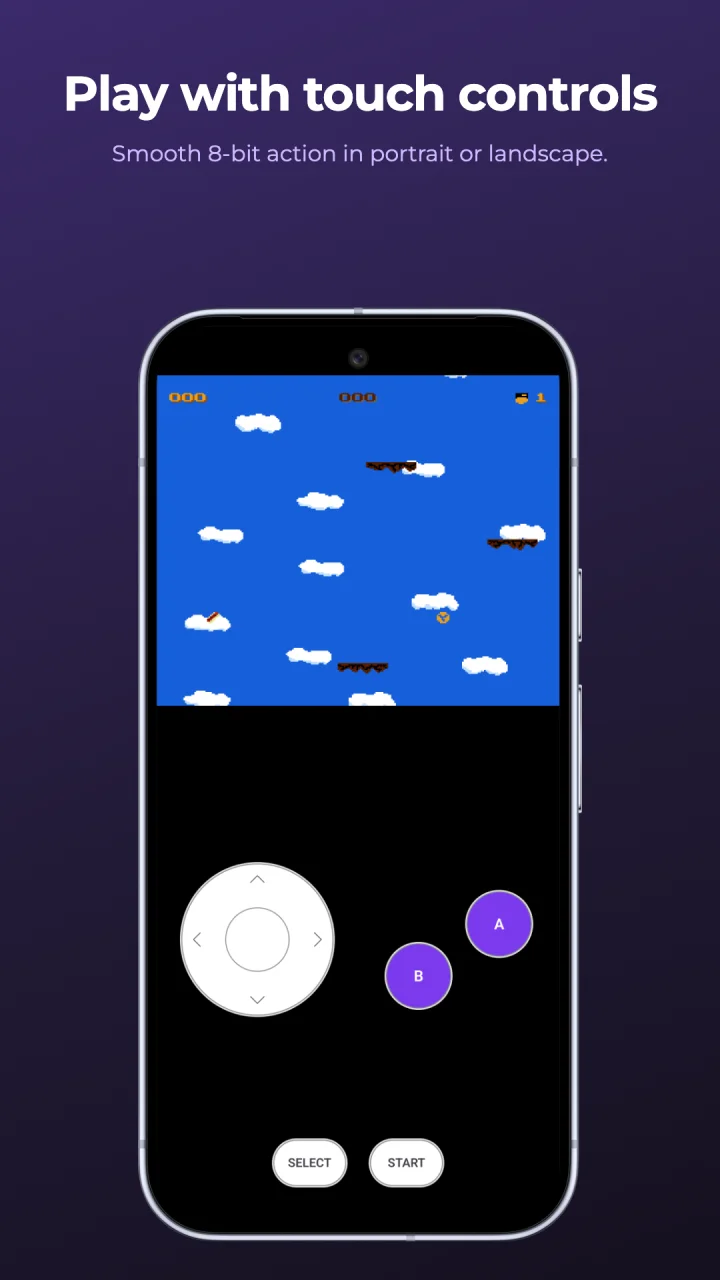
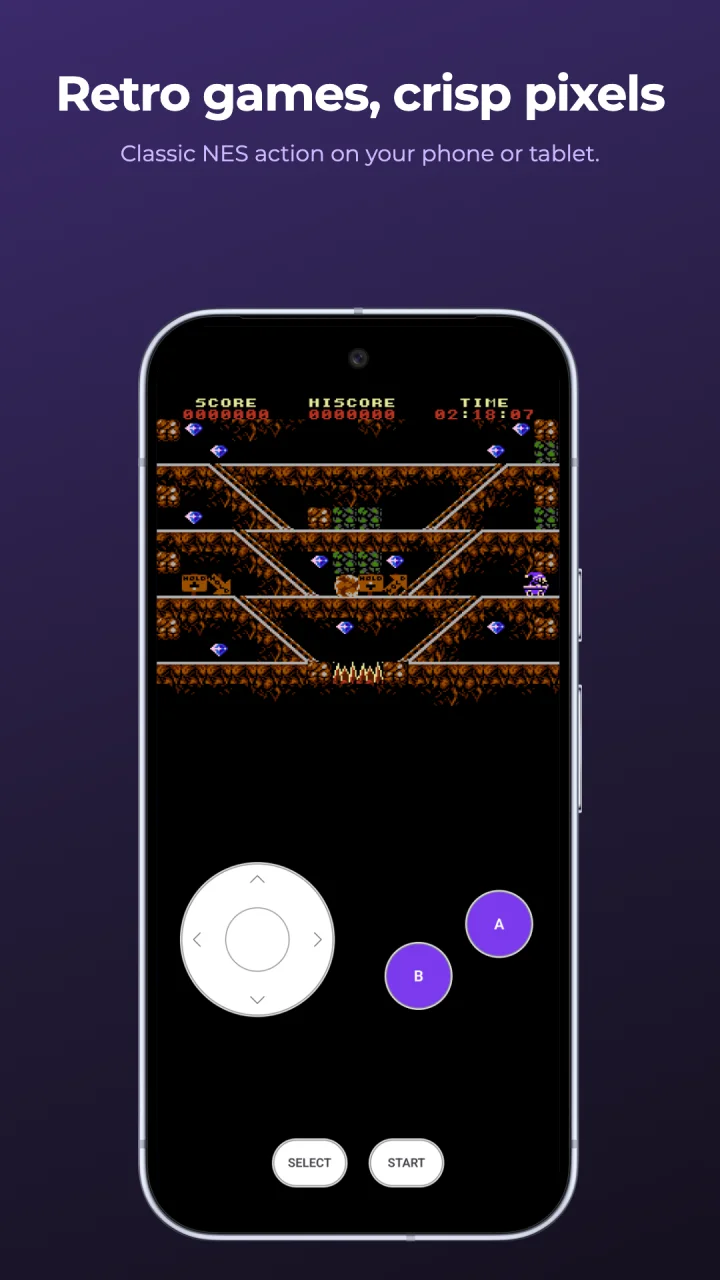
K-EMU plays NES game files (.nes) on your Android phone or tablet. Pick the folder where your games live, tap a game and play, with on-screen controls or a Bluetooth or USB gamepad. K-EMU does not come with any games: play your own .nes files, and only games you have the right to use.
Screenshots
Features
- ✓Point K-EMU at a folder and it finds your games, including .zip files
- ✓Phone list or tablet grid, search, favorites and a Continue shortcut
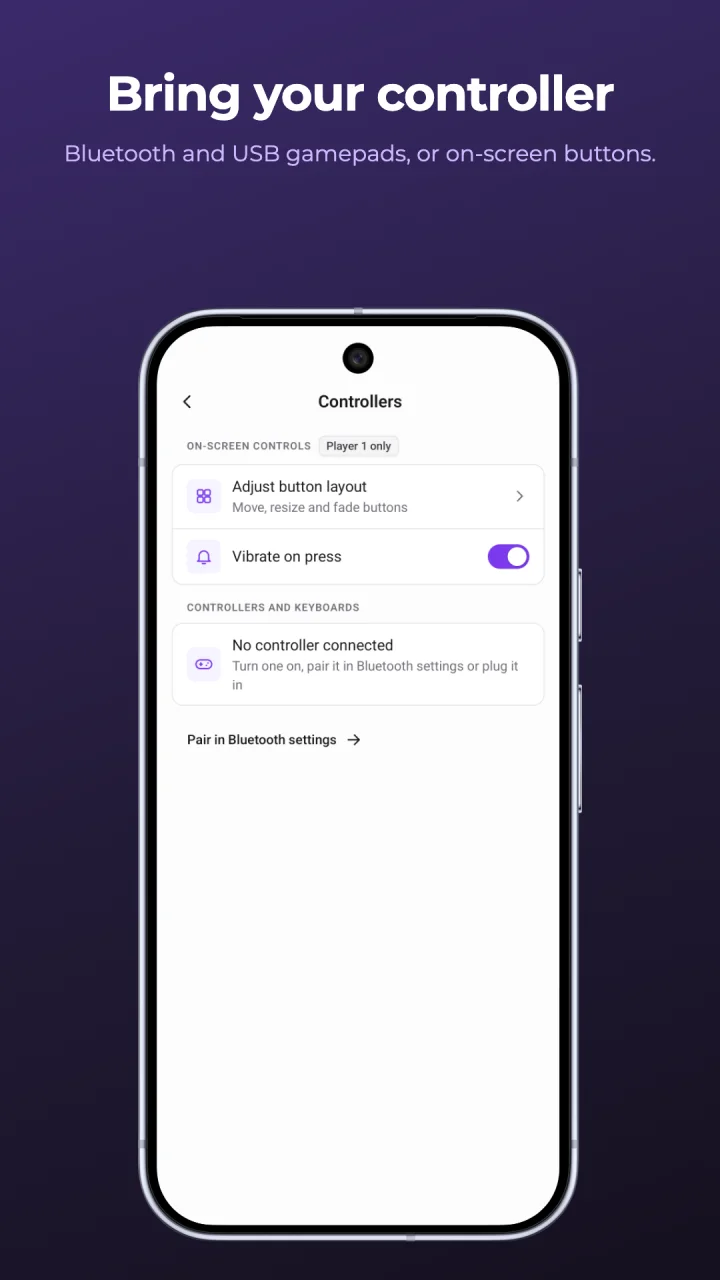
- ✓Touch controls with turbo buttons and an editable layout
- ✓Bluetooth and USB gamepads and keyboards, with button remapping
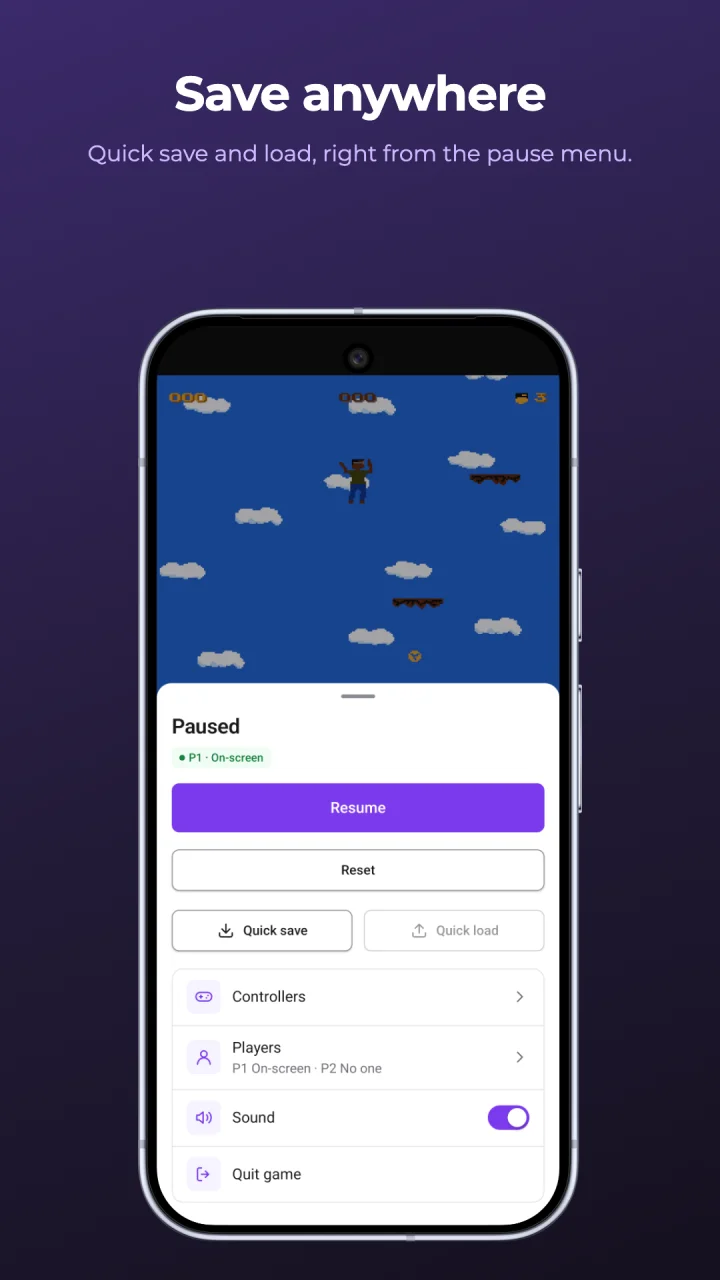
- ✓Quick save and quick load, plus battery saves
- ✓Portrait or landscape, light and dark appearance
- ✓English and Vietnamese
- ✓No ads, no in-app purchases, no account needed
Credits
- Galaxy Patrol by Riley Lannon (MIT) — github.com/rlannon/NES_GalaxyPatrol ↗
- nesgame by Luiz Sampaio (MIT) — github.com/sampaio23/nesgame ↗
- Falling by tragicmuffin (MIT) — github.com/xram64/falling-nes ↗
- Minekart Madness by Matthew Hughson (MIT) — github.com/mhughson/mbh-cart ↗
- The screenshots show these free homebrew games; none of them is included in K-EMU.
- K-EMU is not affiliated with or endorsed by Nintendo.